![[2026.2] 2026 General English Placement Mock TOEIC Test Notice > 대학원 공지](https://sis.cbnu.ac.kr/assets/images/subvisual/default.jpg)
Graduate Notices
- 2026-08-20 17:37
2026 General English Placement Mock TOEIC Test Notice
※ Eligible Students
- Undergraduate students who will enter the second semester of their first year in September 2026 must take the test.
- New undergraduate students entering in September 2026 do not need to take the test.
- Graduate students do not need to take the test.
This test is used to determine class placement for the General English courses ACTION ENGLISH and English Reading and Discussion. Students can register for the appropriate English course only after completing the test and receiving their class placement.
1. Important Instructions
- All eligible students must take the test. Students who do not take the test will be unable to receive an English class placement or register for the courses listed above. As a result, they will earn three fewer credits this semester, which may delay their graduation.
- This test is used only for English class placement. Even if your score is low, you will simply be placed in a lower-level class, so please do not worry.
- Each student has only one test attempt. Prepare a computer equipped with speakers and make sure that your internet connection is stable.
- Once you start the test, you must complete it in one sitting and submit your answer sheet within two hours.
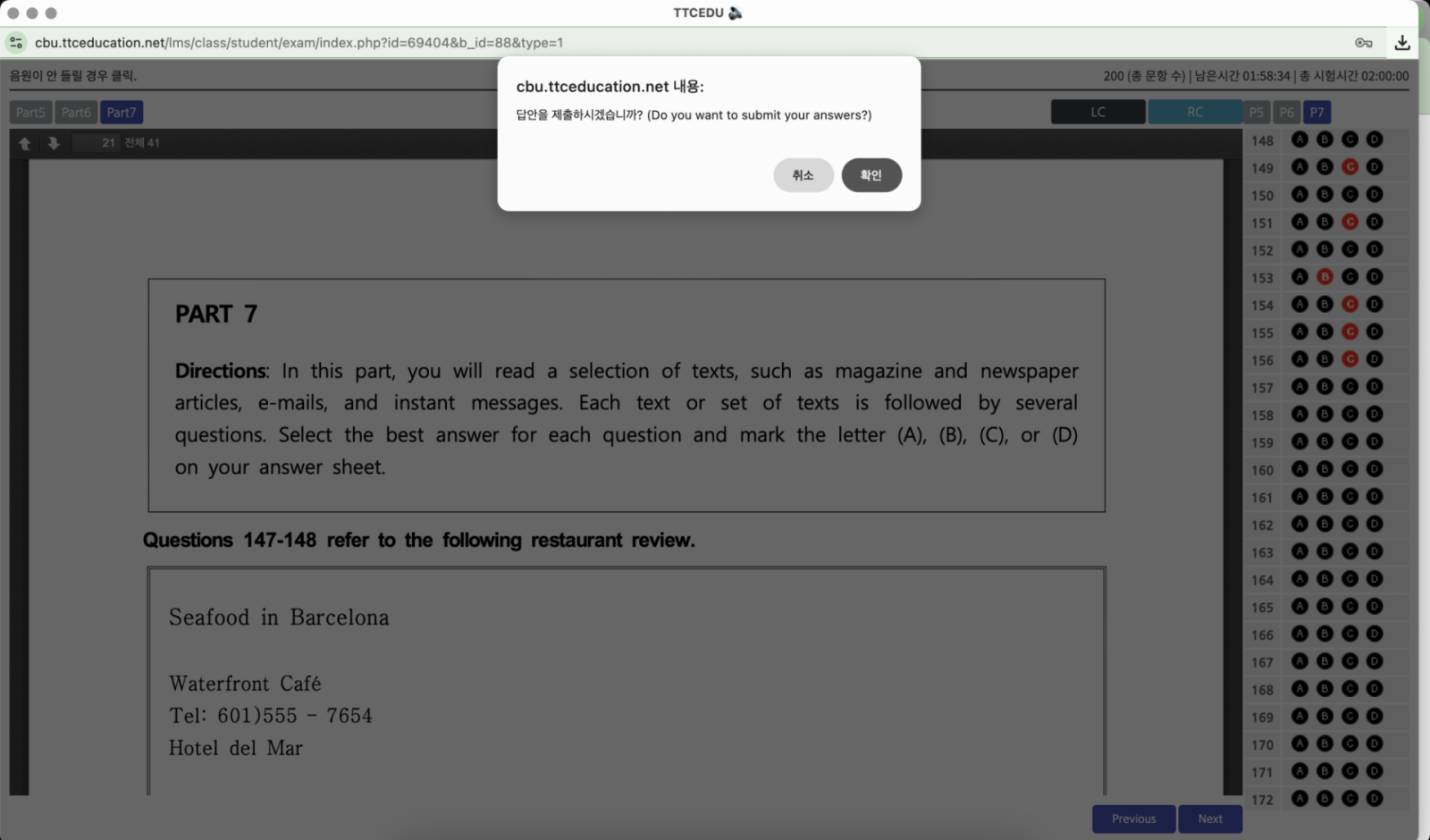
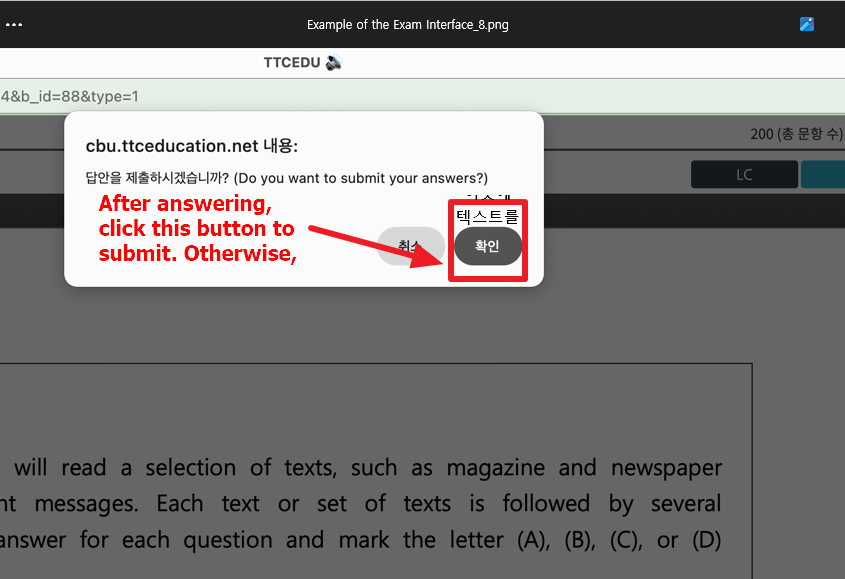
- If you exit the test before completing it, fail to submit it within two hours, or do not click the submit button(확인) after finishing, you will be considered absent from the test and will receive a score of 0. You will also be unable to receive a class placement or register for the course.
2. Special Instructions for Answering All 200 Questions and Submitting the Test
- The test contains 200 questions, and you must select an answer for every question.
- Even if you do not know the answer, you must select one. Do not leave any questions unanswered.
- For example, even if you have not finished listening to the entire Listening section, you must still select answers for all 200 questions.
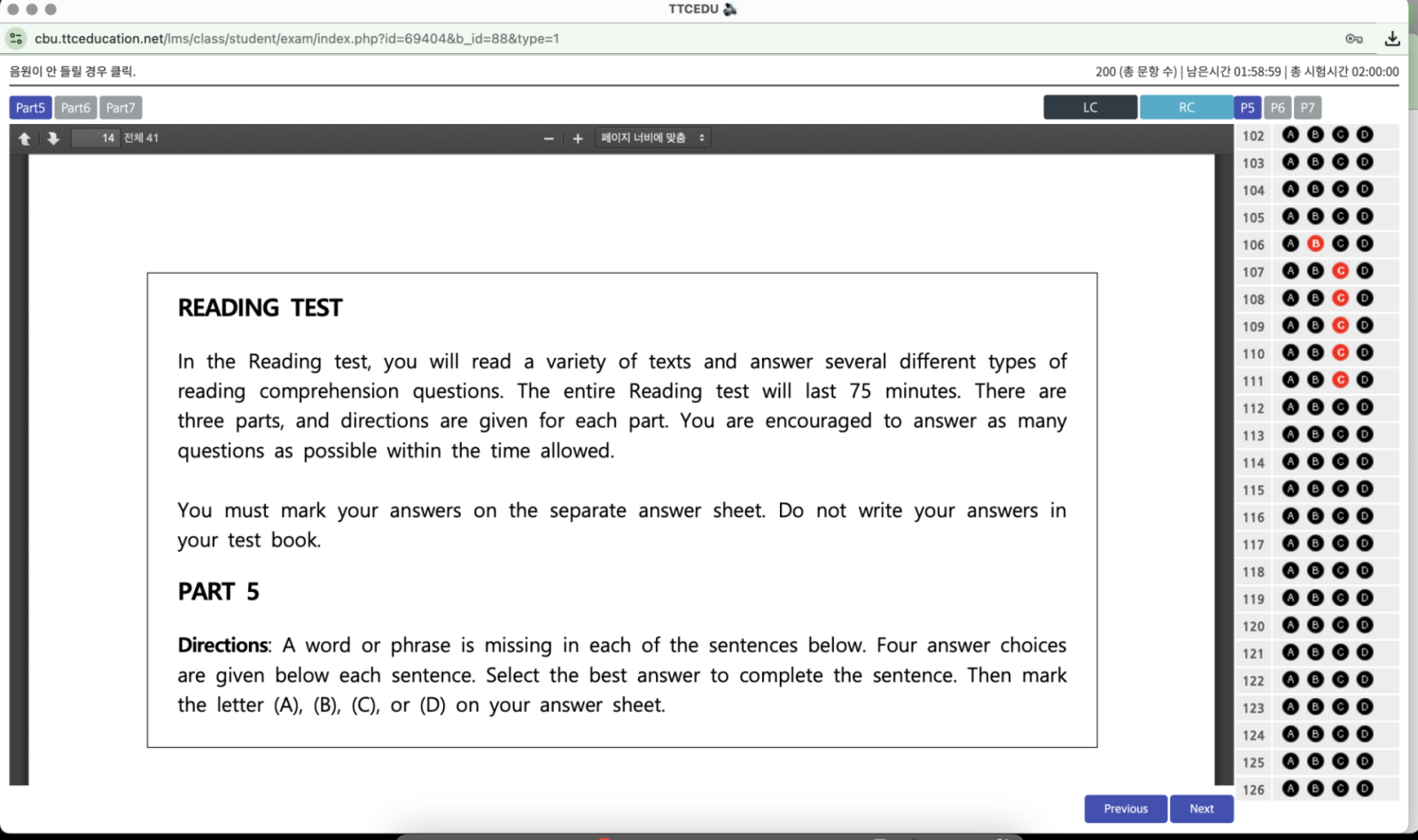
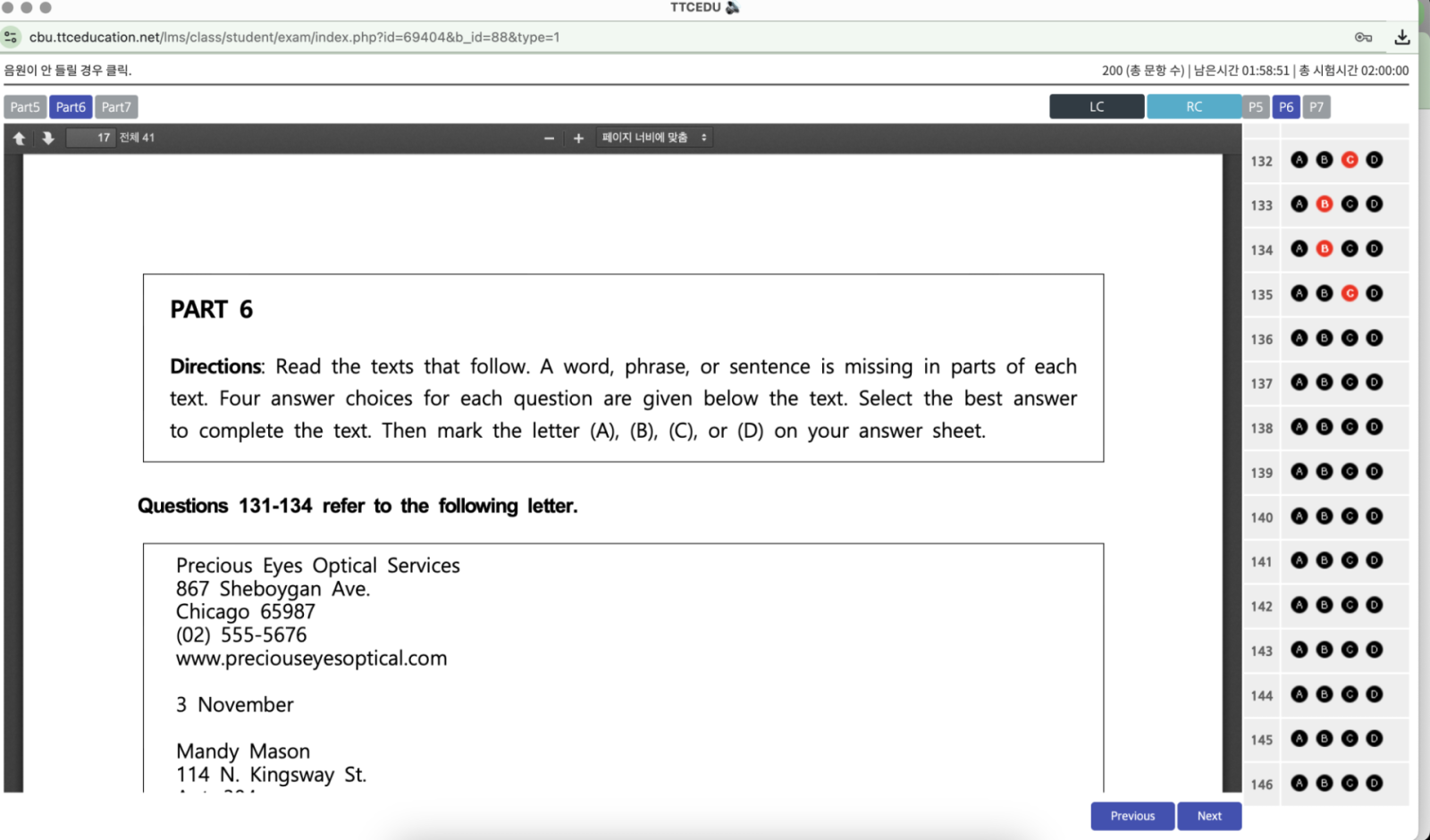
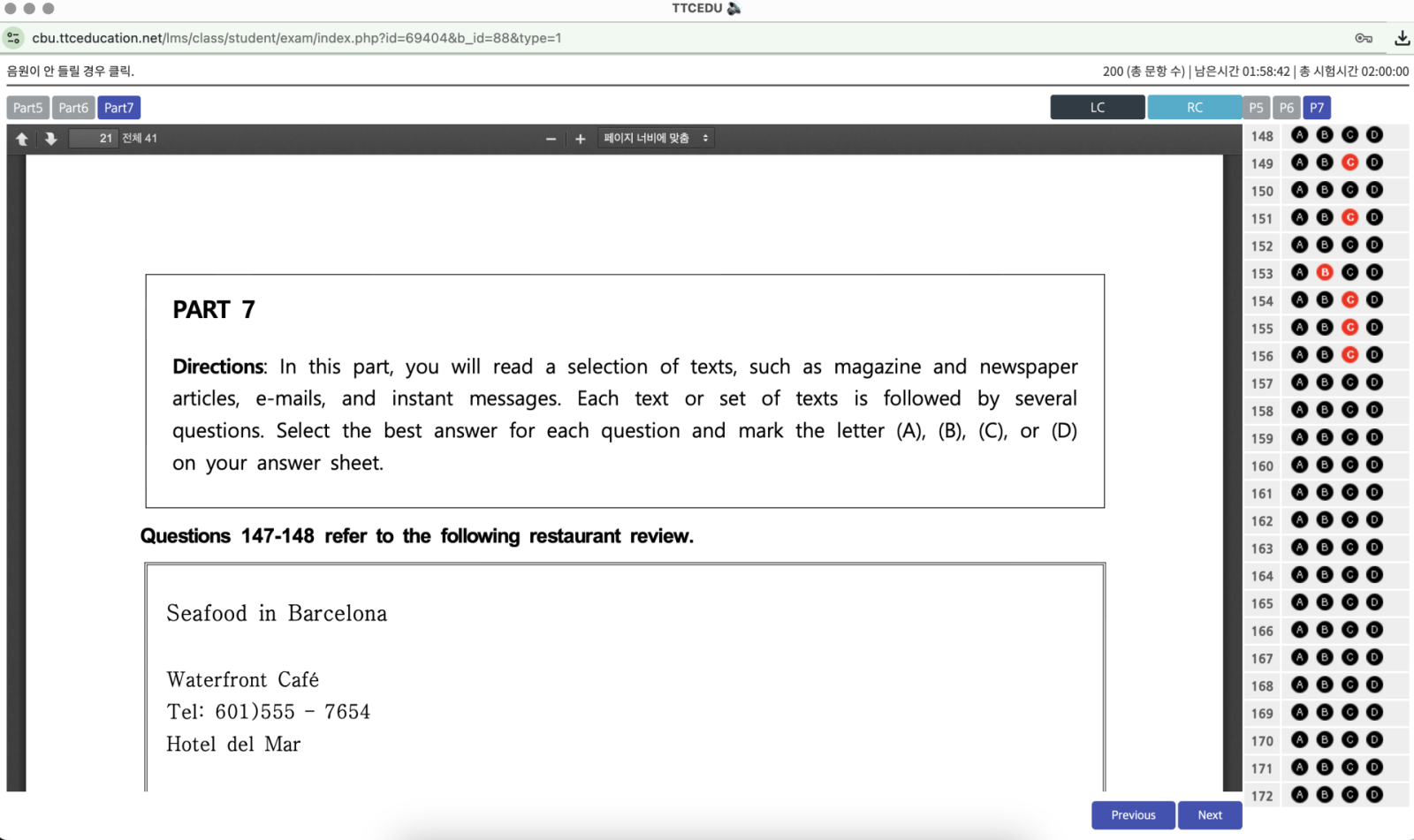
- On the answer sheet screen, black question numbers indicate unanswered questions, while red question numbers indicate answered questions.
- You must confirm that all black question numbers on the screen have turned red. This means that you have answered all 200 questions.
- After answering all questions, you must click the “Submit Answer Sheet(확인)” button. The test is considered complete only after it has been successfully submitted.
3. Test Information
- Test Period: August 21 (Fri.)–22 (Sat.), 2026, 00:00–23:59
- Test Duration: Approximately two hours (one hour for Listening and one hour for Reading)
- Test Method: Online test using a computer equipped with speakers
- Number of Attempts: One
- Test Website: https://ttceducation.net/test/cbnu/
※ You may take the test at any time during the test period. However, you must start the test no later than 10:00 p.m. on August 22.
※ You may answer the Reading questions while the Listening section is in progress.
4. How to Log In
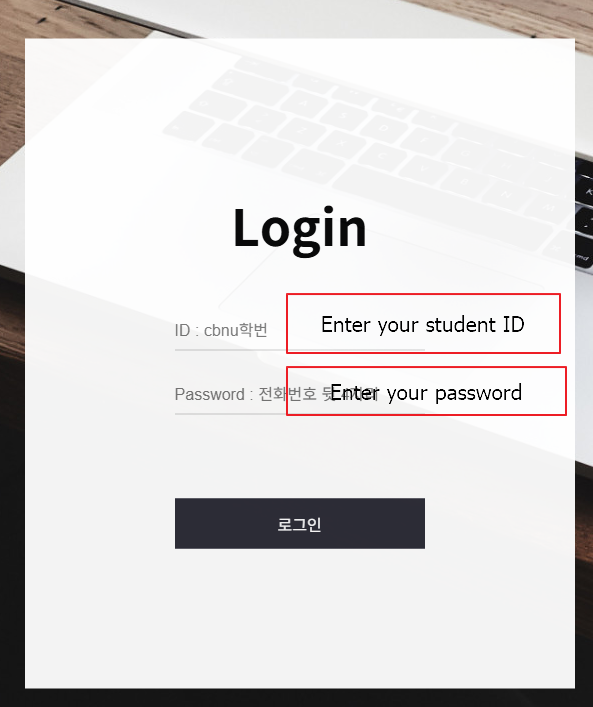
- Go to the test website.
- ID: cbnu + student ID number.
- Enter your assigned four-digit password.
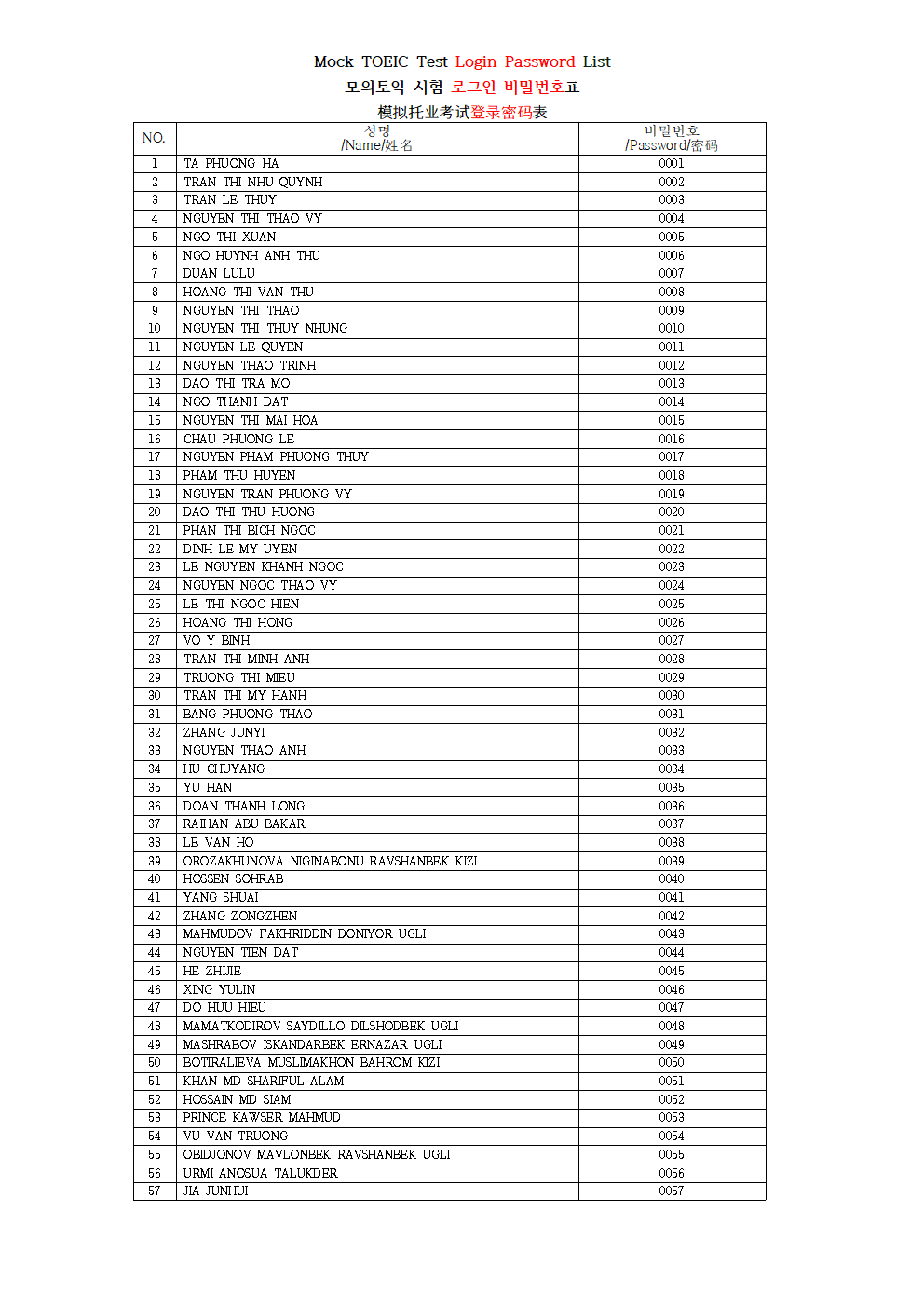
4. Find your password by checking your name in the attached “Mock TOEIC Test Login Password List.”
Example: The password for Student No. 1 on the list is 0001.
※ If you have trouble accessing the website, please call 043-261-3214 on weekdays between 9:00 a.m. and 6:00 p.m.
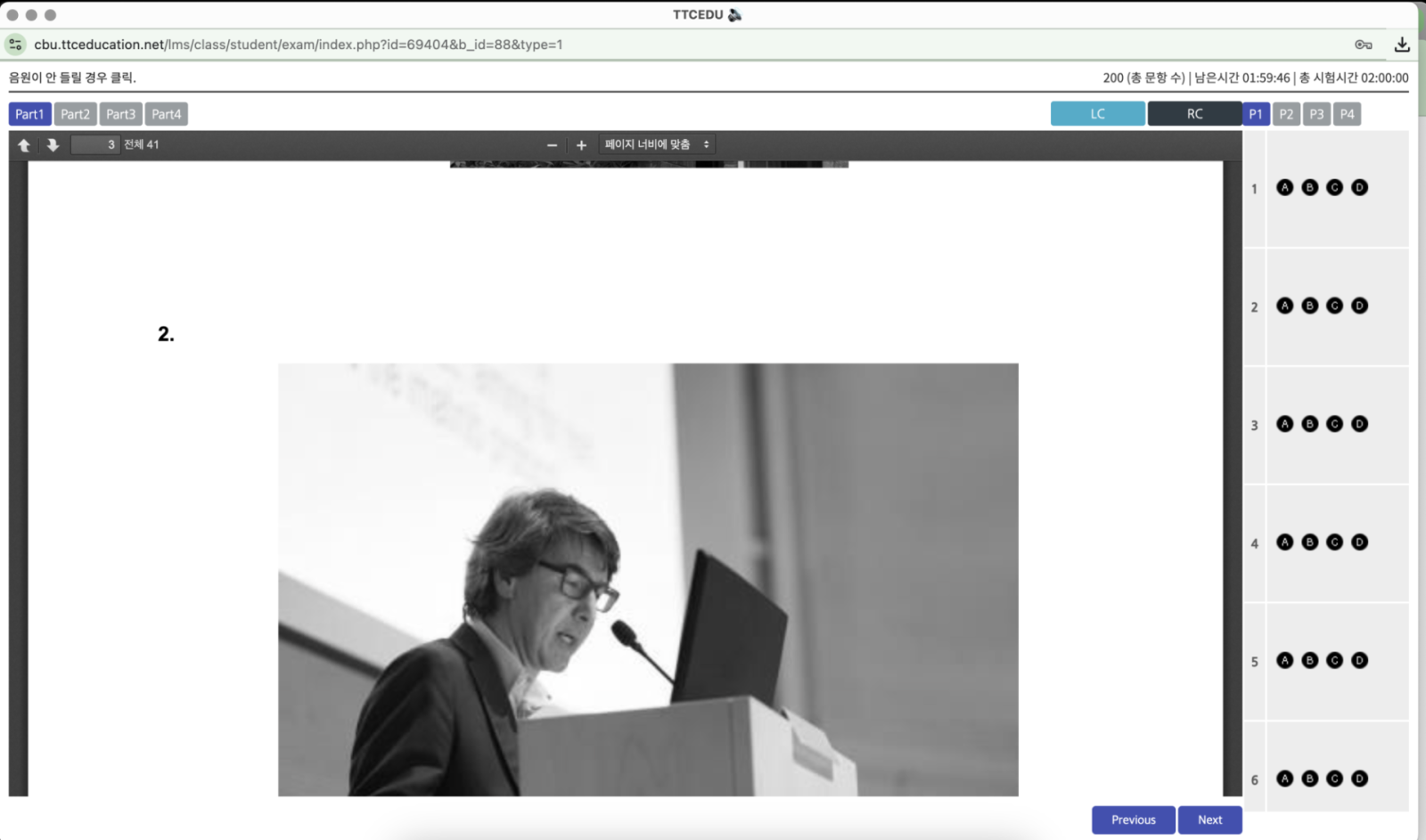
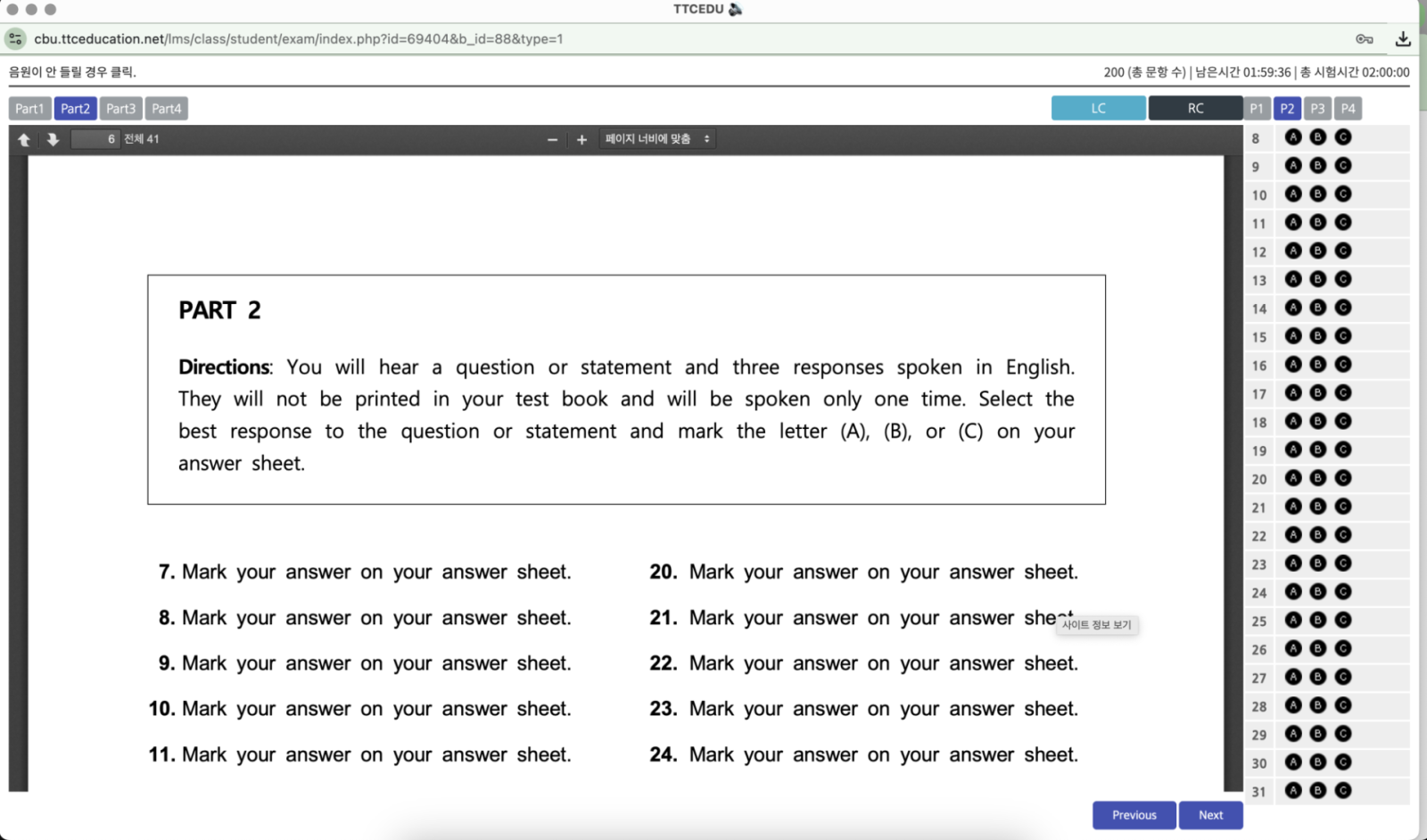
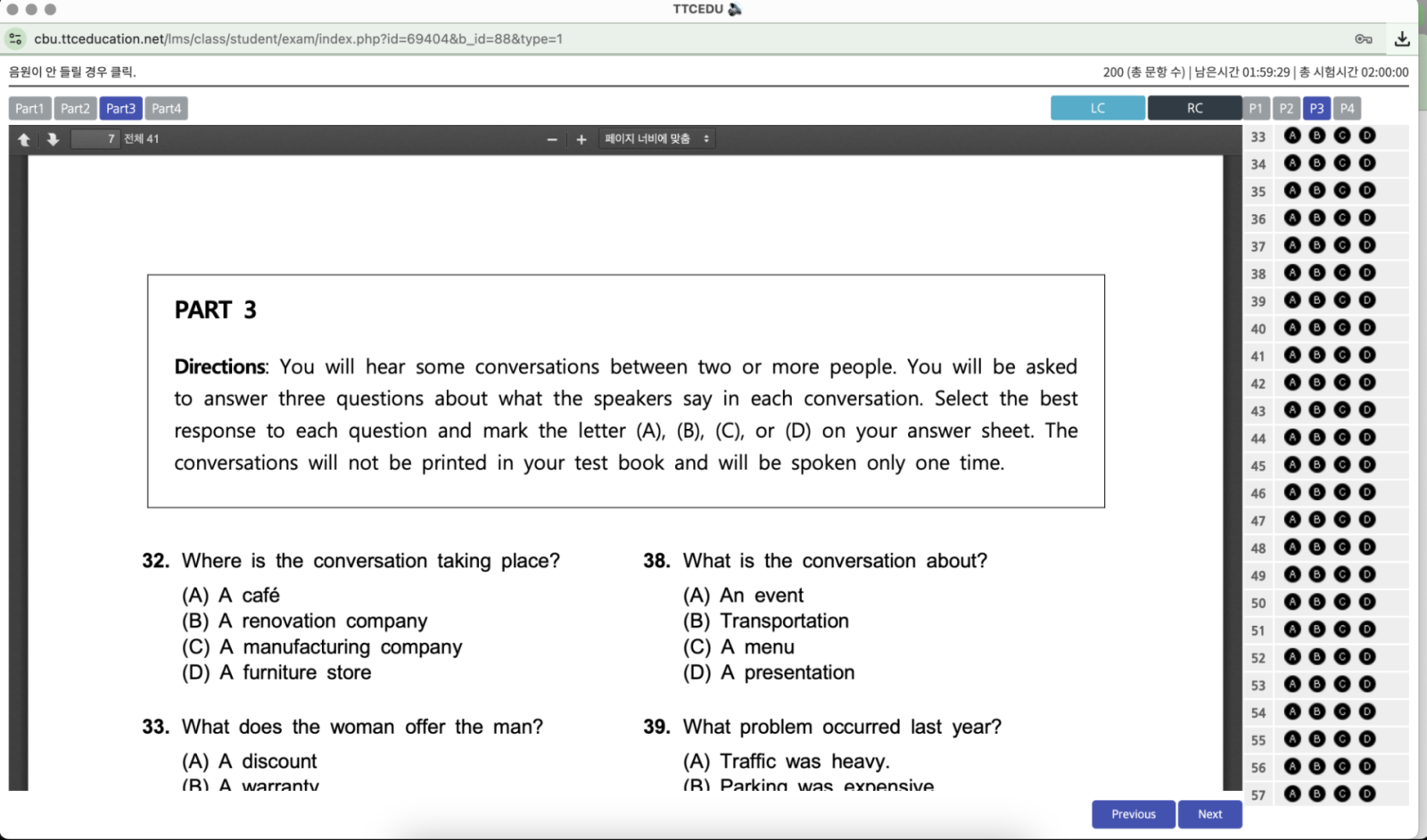
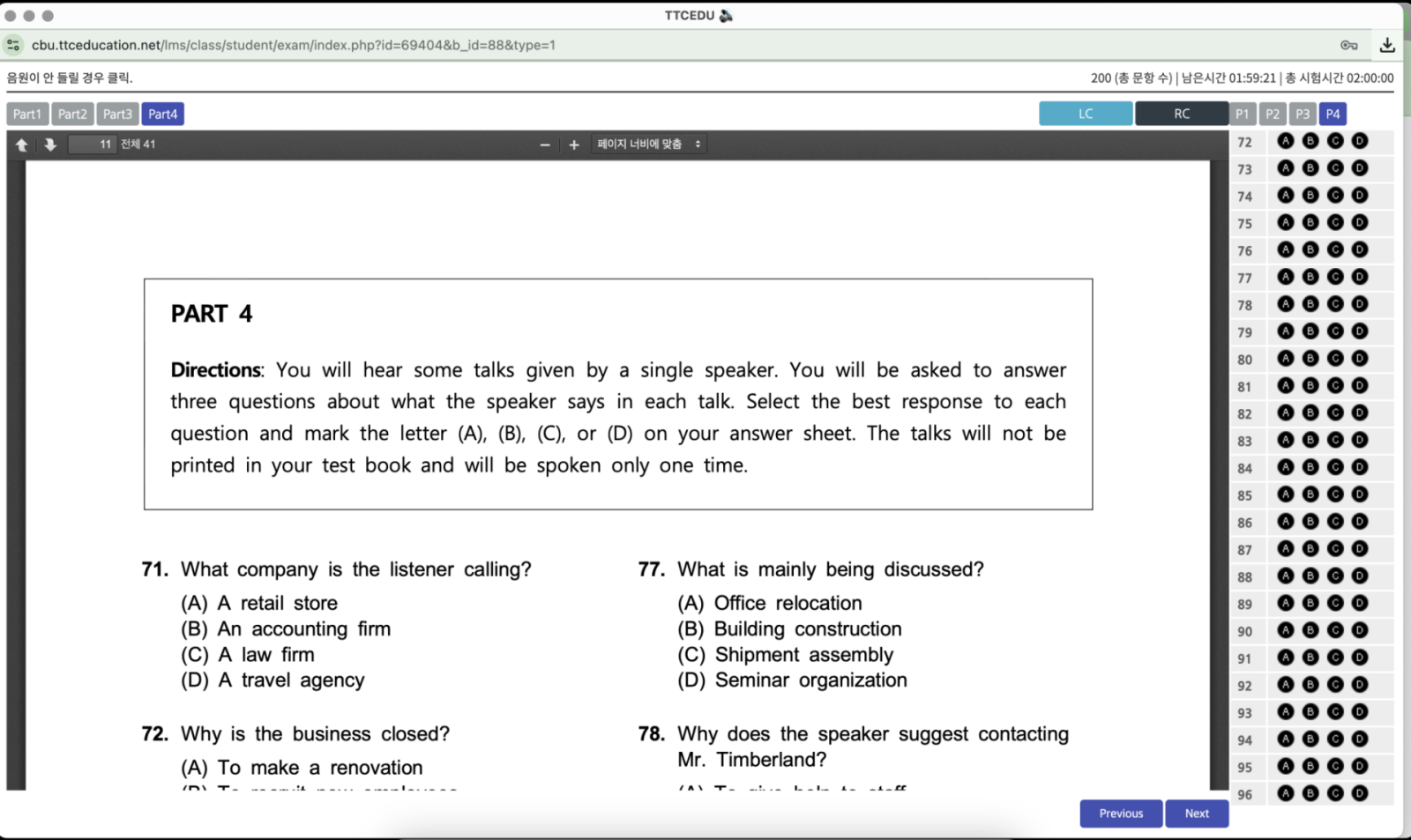
Example of the Exam Interface